Syncing Groups with SUB Users:
At this moment, it is unfortunately not possible to synchronize Groups with SUB users. Each user has their own group configuration and can customize it as they wish. Although this feature is on our to-do list, we currently cannot provide an estimate for when it will be implemented.
Fortunately, there are a few helpful workarounds you can use:
Use one account for multiple users: By sharing a single account, multiple users can access the same group configuration.
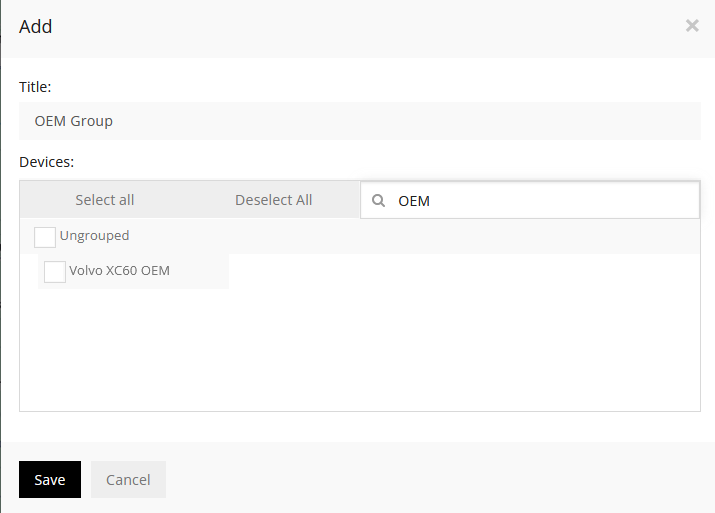
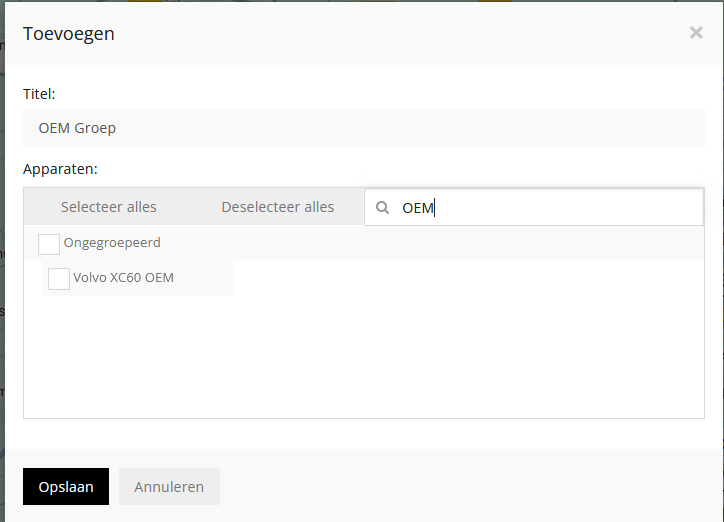
Use group names in the vehicle name: For example, add "OEM" to the vehicle name so you can find all vehicles in the "OEM" group simply by typing "OEM" in the search bar. You can also use this term in the search function by creating groups for sub users.
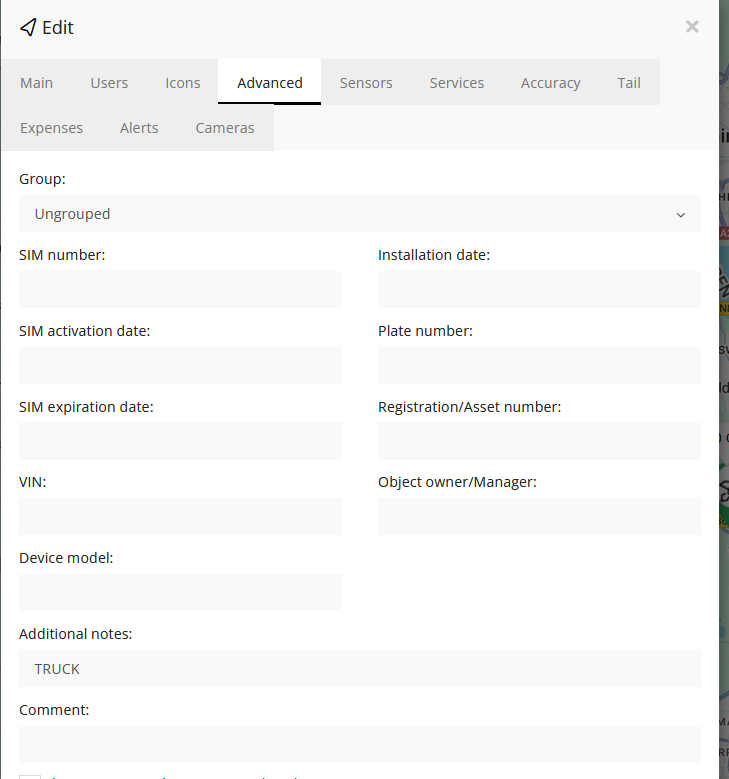
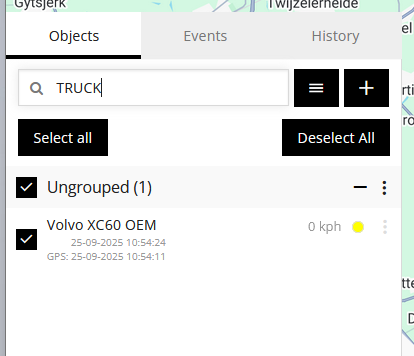
Add tags in the extra notes: Go to Edit → Advanced → Aditional Notes, and add a term like "TRUCK". You can then use this term in the search bar to find specific vehicles.
If you have any questions, please don’t hesitate to contact our customer support. We’re happy to help!
Was this article helpful?
That’s Great!
Thank you for your feedback
Sorry! We couldn't be helpful
Thank you for your feedback
Feedback sent
We appreciate your effort and will try to fix the article